SoundMat (11) Electronics Manufacturing
Following SoundMat (6) Electronics System Design, this chapter covers building the electronics. At a high level there are three approaches:
| Approach | Breadboard | Perfboard | PCB |
|---|---|---|---|
| Connection | Plug-in, no solder | Soldered, hand wires | Etched/printed copper, soldered parts |
| Reliability | Poor; loose contacts, vibration | Good; solid joints | Best; industrial-grade |
| Best for | Early proof of concept | Prototype build | Production or demanding prototype |
| Build time | Minutes | Hours | Design + fab 1–2 weeks |
| Iteration | Highest; rewire anytime | Medium; desolder to change | Low; respin board |
| Cost | Low | Low | Higher (NRE + wait) |
| Long-run install | Unacceptable in public | Reliable | Most reliable |
| Chosen | ❌ | ✅ | ❌ |
After sensor fabrication we briefly validated on breadboard, then moved to perfboard for the main electronics.
Board layout planning#
Modules and ICs with leads use DIP sockets or female pin headers consistently.
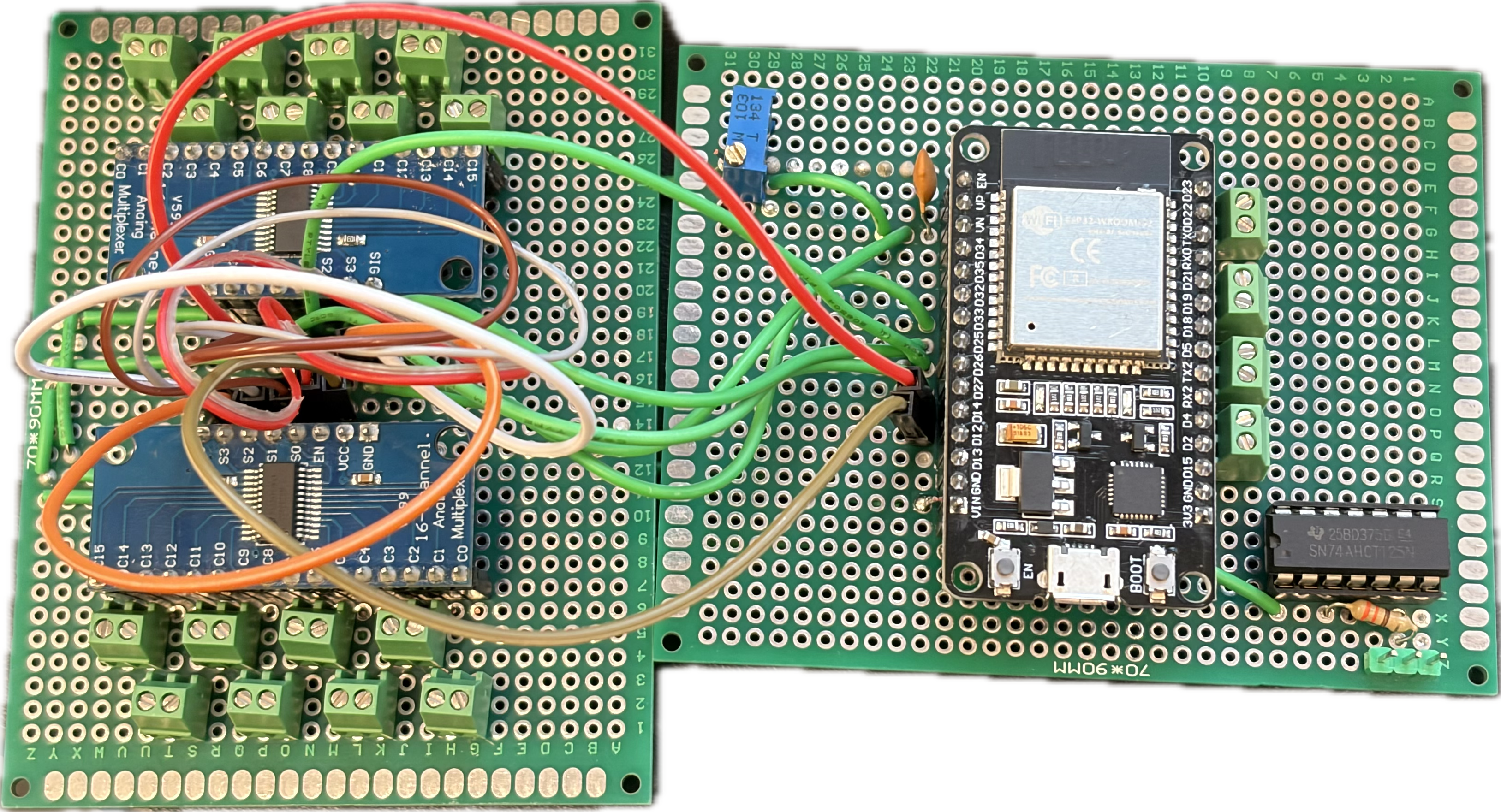
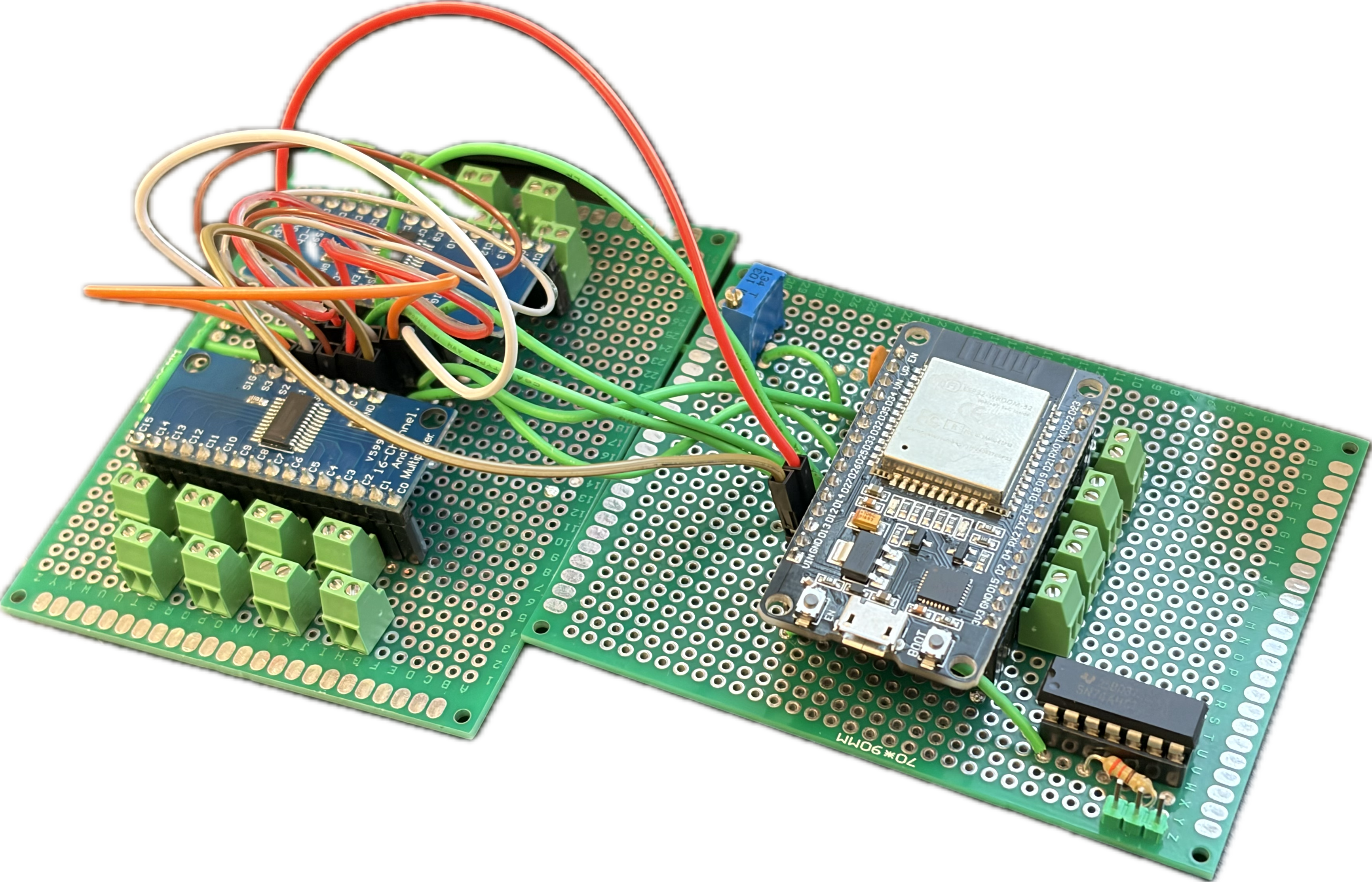
uses a 10 kΩ trim pot.
Pin map#
Rings
| Ring | MCU IO |
|---|---|
| Ring0 | D19 |
| Ring1 | D5 |
| Ring2 | D21 |
| Ring3 | TX2 |
| Ring4 | D22 |
| Ring5 | D4 |
| Ring6 | D23 |
| Ring7 | D2 |
MUX
| Slice | MUX PINS | |
|---|---|---|
| Slice 0-15 | MUX 0, C0-C15 | |
| Slice 16-31 | MUX 1, C0-C15 |
| MUX PINS | MCU IO | TYPE |
|---|---|---|
| S0 | D26 | OUTPUT |
| S1 | D25 | OUTPUT |
| S2 | D33 | OUTPUT |
| S3 | D32 | OUTPUT |
| EN0 | D14 | OUTPUT |
| EN1 | D27 | OUTPUT |
| SIG | VP | INPUT |
LED
| PINS | MCU IO | |
|---|---|---|
| LED DIN | D13 |
Power module#
PD trigger board bring-up#
Module link 1: https://www.amazon.com/gp/product/B0F1YH9P4X/
This board did not work—no matter how we adjusted it, output stayed at 5 V.
Module link 2: https://www.amazon.com/dp/B0D7942HWP?ref=ppx_yo2ov_dt_b_fed_asin_title&th=1
Worked on first try with Xiaomi charger and Xiaomi power bank at 20 V.
Buck converter bring-up#
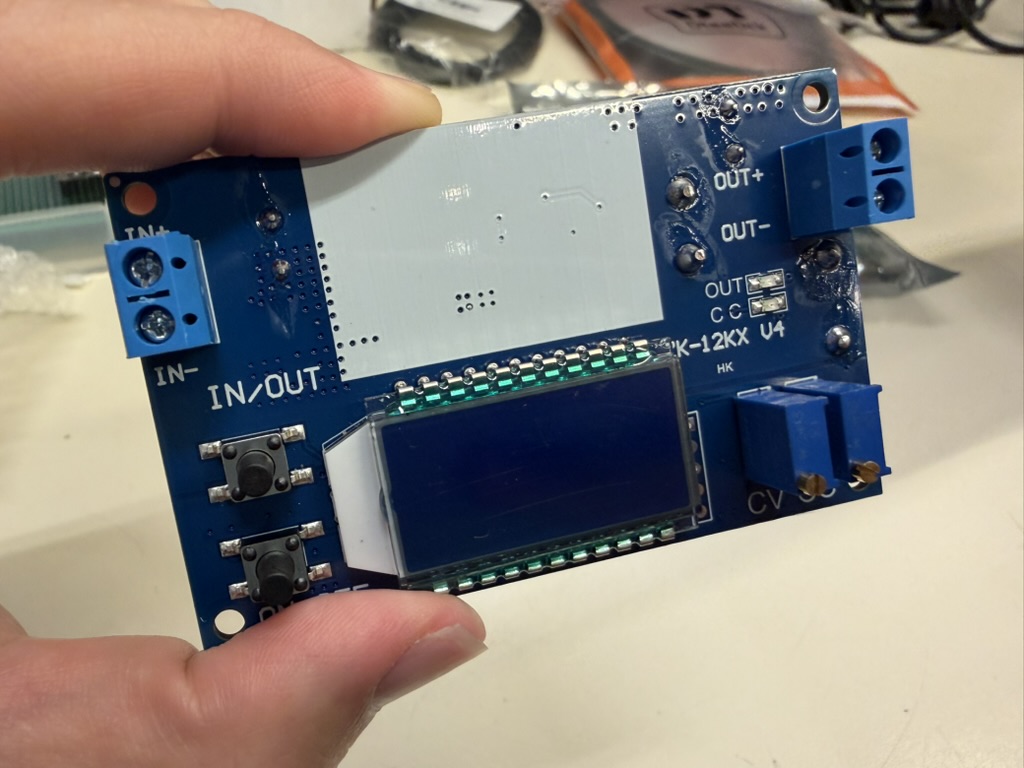
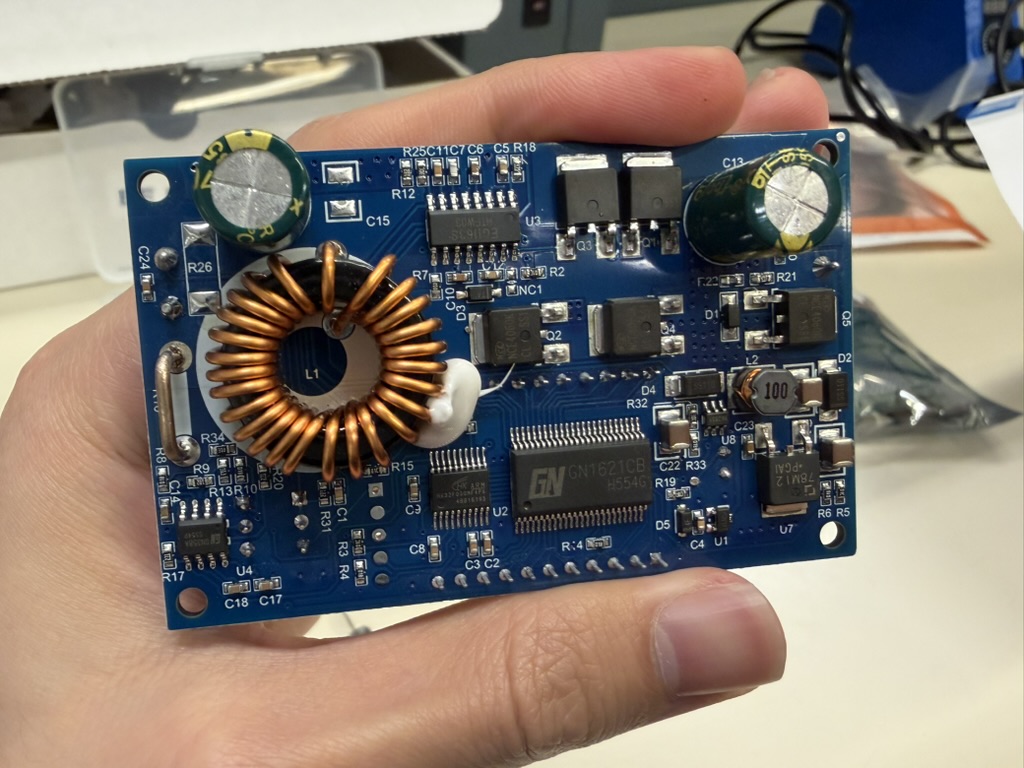
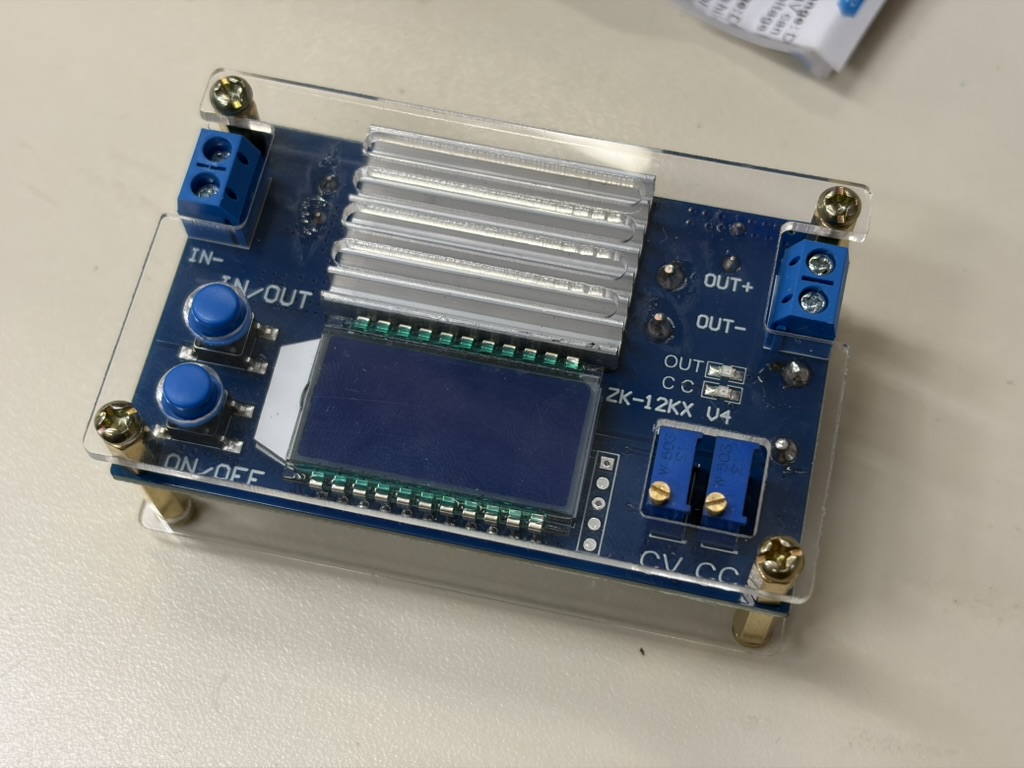
Module link: https://www.amazon.com/gp/product/B0GLM6JQ3X/ — $15.99.
Goal: 20 V in → 5 V out. First powered from bench supply at 20 V, 1 A limit; adjusted the output knob until the display read 5 V.
Then set maximum protection current. We first tried adjusting limit current with a multimeter in series on the output—unstable, the module kept rebooting. We then shorted output + and − with a wire (as scary as it sounds; this module is designed for that procedure) and set protection to 7 A.
Raspberry Pi power#
We first cut a Micro USB cable and tried soldering its power wires to the buck output—unreliable and awkward: internal power conductors are 28 AWG and break easily.
We bought a Micro USB breakout board instead.
Link: https://www.amazon.com/dp/B0F4KP6MB9?ref=ppx_yo2ov_dt_b_fed_asin_title
LED power connection board#
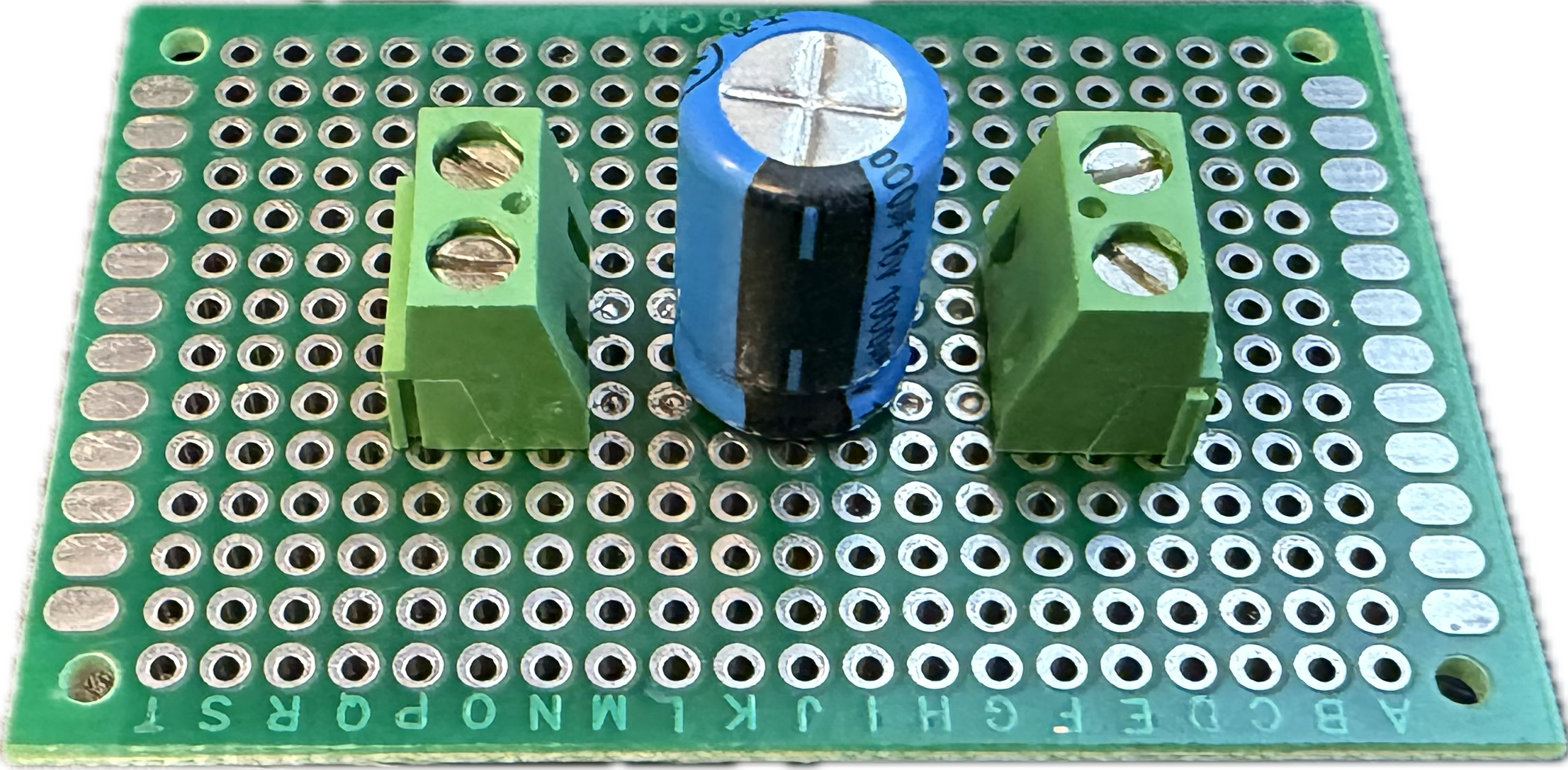
Hand-soldered.
Measured load#
With all 108 LEDs at full brightness only: 5 V, 3.5 A (May 29).